> ## Documentation Index
> Fetch the complete documentation index at: https://docs.kicks.dev/llms.txt
> Use this file to discover all available pages before exploring further.
# Authentication
> How to authenticate with KicksDB
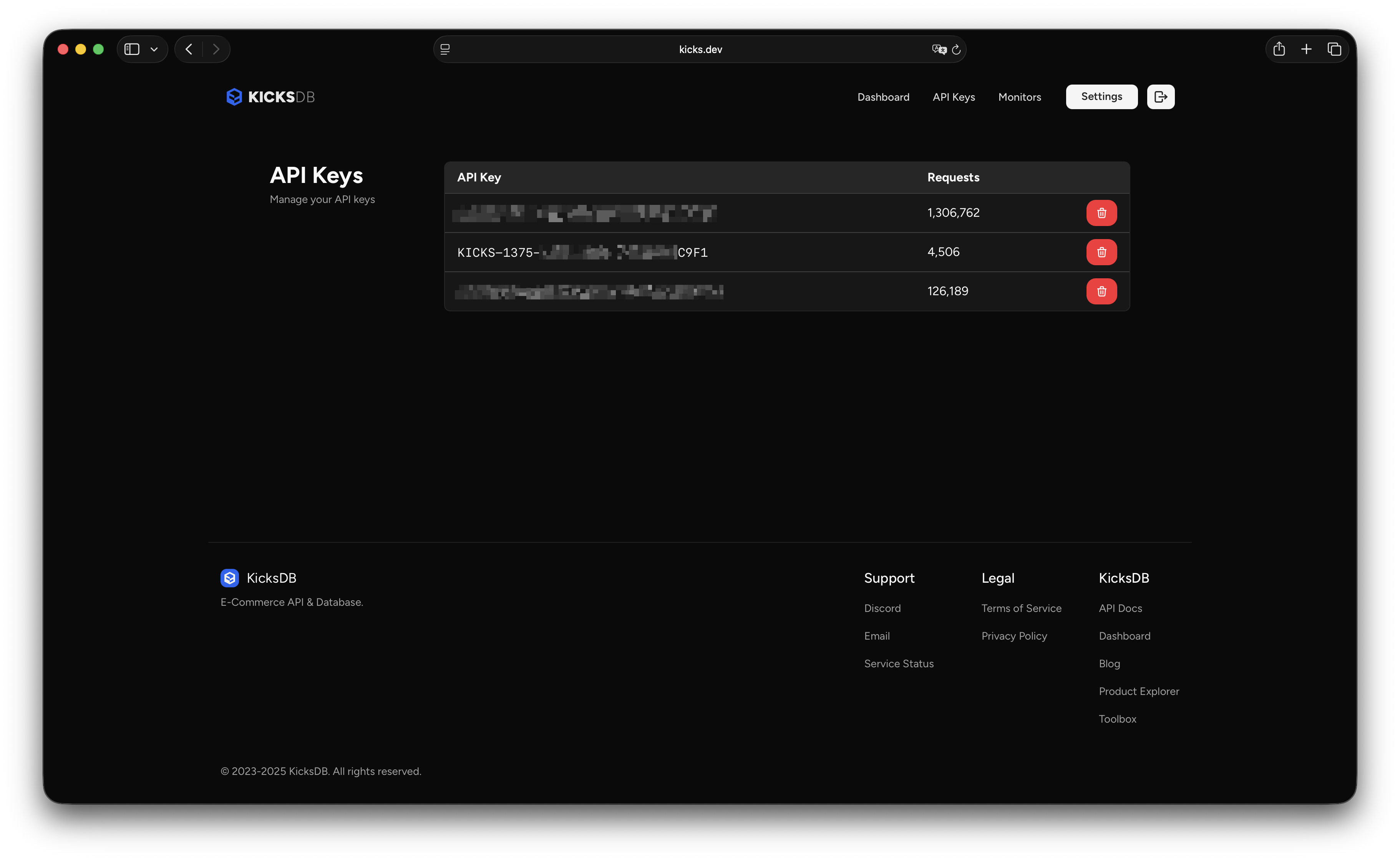 You can find [your API keys](https://kicks.dev/api-keys) in your account dashboard. It should look like this:
```
KICKS-1234-ABCD-1234-123456ABCDEF
```
Once you have your API key, you can use it to authenticate your requests to our APIs by including it in the `Authorization` header, using the `Bearer` scheme:
```http theme={null}
Authorization: Bearer KICKS-1234-ABCD-1234-123456ABCDEF
```
## Response headers
When you make a request to our APIs, we will return some response headers with useful information. Here are the ones you should pay attention to:
| Header | Description |
| ----------------- | ----------------------------------------------------------------- |
| `X-Quota-Current` | The number of requests you have made so far in the current month. |
| `X-Key-Type` | The type of API key you are using. |
You can find [your API keys](https://kicks.dev/api-keys) in your account dashboard. It should look like this:
```
KICKS-1234-ABCD-1234-123456ABCDEF
```
Once you have your API key, you can use it to authenticate your requests to our APIs by including it in the `Authorization` header, using the `Bearer` scheme:
```http theme={null}
Authorization: Bearer KICKS-1234-ABCD-1234-123456ABCDEF
```
## Response headers
When you make a request to our APIs, we will return some response headers with useful information. Here are the ones you should pay attention to:
| Header | Description |
| ----------------- | ----------------------------------------------------------------- |
| `X-Quota-Current` | The number of requests you have made so far in the current month. |
| `X-Key-Type` | The type of API key you are using. |